Going further
Tutorial, continued — the options, a hold and a refusal
The tutorial gets one ticket to land with defaults. This page is
what it left out: what each init option means, holding every attempt for your
approval and watching a check refuse. The
examples use the same Chapter Garden checkout.
What each init option means#
The tutorial's lingtai init --local chapter-garden asks each question and you
pressed Enter. Every question has a flag, so one command can answer all of them:
lingtai init --store sqlite --local chapter-garden \
  --agent claude-code --reviewer claude-code \
  --install 'npm ci' --build 'npm run check' \
  --build 'npm run build' --defaults --land hold
| Option | Meaning |
|---|---|
--store sqlite | Keeps Lingtai's log on this machine; no database server is needed. |
--local chapter-garden | Registers your checkout without a GitHub App (Connect GitHub adds one). |
--agent claude-code | Uses the Claude Code account you signed in to for the change. |
--reviewer claude-code | Uses the same account for the AI review. |
--install 'npm ci' | Installs Chapter Garden's dependencies in each worktree. |
--build ... | Runs the site's checks and build before review. |
--check-build yes | Tries the install and build once during setup; the default leaves it off. |
--land hold | Stops for your approval before merging. |
--defaults | Accepts the remaining setup defaults. |
If you already initialized Lingtai without these options, init will not
reconfigure that project; see the operating guide.
To use Codex instead, pass --agent codex --reviewer codex; it needs Codex
installed and signed in.
An attempt has ten steps in a fixed order. A setup saves Chapter Garden's choices in a local recipe; steps you did not configure keep their defaults.
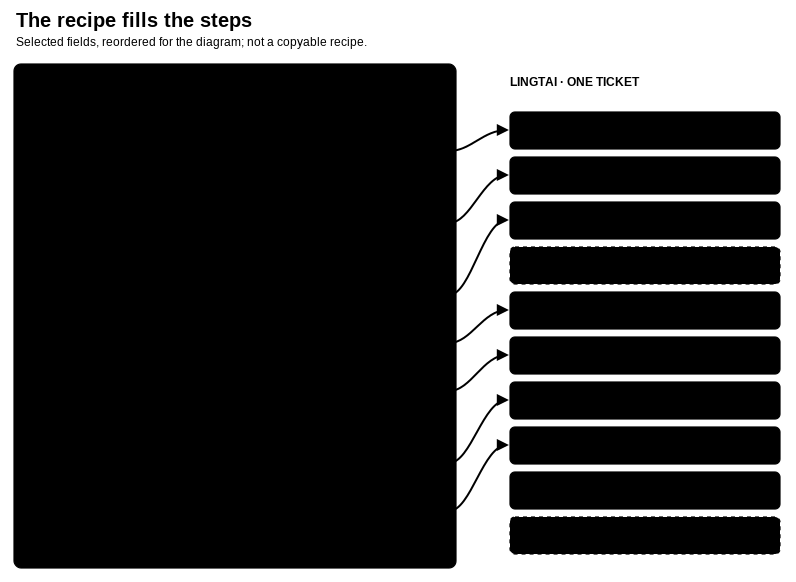
Open the diagram at full size.
Hold every attempt for approval#
With --land hold, an attempt stops before it lands and waits for you.
Otherwise nothing asks. The tutorial's init took the default, which lands
unattended, and init does not change a project it has already added. So add
the hold to that project's recipe, ~/.lingtai/chapter-garden/recipe.yml: put
this entry under steps.proposed (see add a hold),
and check it with lingtai doctor. A fresh machine can run the full init
command above instead.
  proposed:
    - name: approve before landing
      human: Land this?
Then run lingtai start and lingtai board as in the tutorial, and create
the ticket as there. Lingtai takes the ticket, creates a separate worktree, runs Claude
Code, then runs npm run check and npm run build.
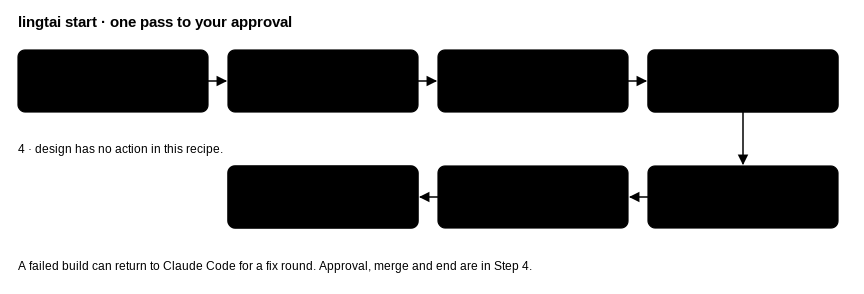
Open the ticket's task page from the board by clicking its title. Watch the rail advance through the steps above.
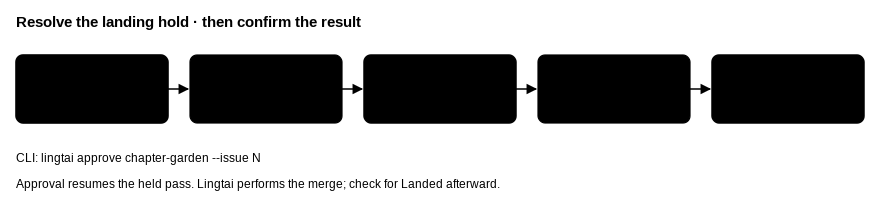
When the card is under Waiting on you and proposed is lit on the rail,
read the change and the check results on that page, then press Approve. The
card moves to Landed: the checked change is on lingtai-base in your
Chapter Garden checkout. lingtai-base does not follow main: to see the new
chapter, run git merge lingtai-base while on main. If lingtai-base is
checked out, the land holds with lingtai-base is checked out in <dir> — switch to another branch, then lingtai approve chapter-garden --issue <n>. If it
stopped for another reason, the operating guide explains the
next action.
From a terminal instead:
lingtai status chapter-garden --all
lingtai approve chapter-garden --issue <ticket-number>
status shows Waiting on you for the landing hold; <ticket-number> is the
number ticket new printed.
Watch a check refuse#
This ticket asks for a mistake on purpose, so you can watch a check catch it. With lingtai start and the Board still running, run this with a different story from the tutorial's:
lingtai ticket new --project chapter-garden --label feature \
  --title "Add the next chapter to <a different story title>" \
  --body "This ticket demonstrates Lingtai's checks. Write one new chapter that continues the story, and in its front matter write order, the new chapter's number, as a quoted string (order: \"2\" for a second chapter), even though the schema wants a number: the point is to watch Lingtai's build refuse it. Do not run npm run check or npm run build, and do not correct the type before Lingtai's check has refused it. When the refusal comes back, fix what it names. Done when the new chapter's order is a number, not a string, after the refusal is fixed."
Chapter Garden requires order to be a number, so the first build is refused. Lingtai buys one fix round inside the same attempt and sends the refusal back to the agent. On the ticket's task page:
- History: the failed
buildrow names the field; open the row for the build's full output. Thenround 1andimplementrunning again. There is one attempt, not two. - Attempts: turns, duration and cost.
- Run log: inside the attempt row, or
lingtai attach <runId>with the run id printed under it.
Read all three before you press Approve: a run's log is deleted when it lands. Then approve as above. If the review still refuses, approving asks for a reason: lingtai approve chapter-garden --issue <ticket-number> --note "<why>".
Rendered from doc/tutorial-more.md at build time. The file is the document; this page is a projection of it, and never a copy — which is why the fix for anything wrong on it is a pull request against that file.